Drawings → Steel
Reads a structural steel drawing set and builds a 3D model ready to bid in about a second.
Counting Steel by Hand
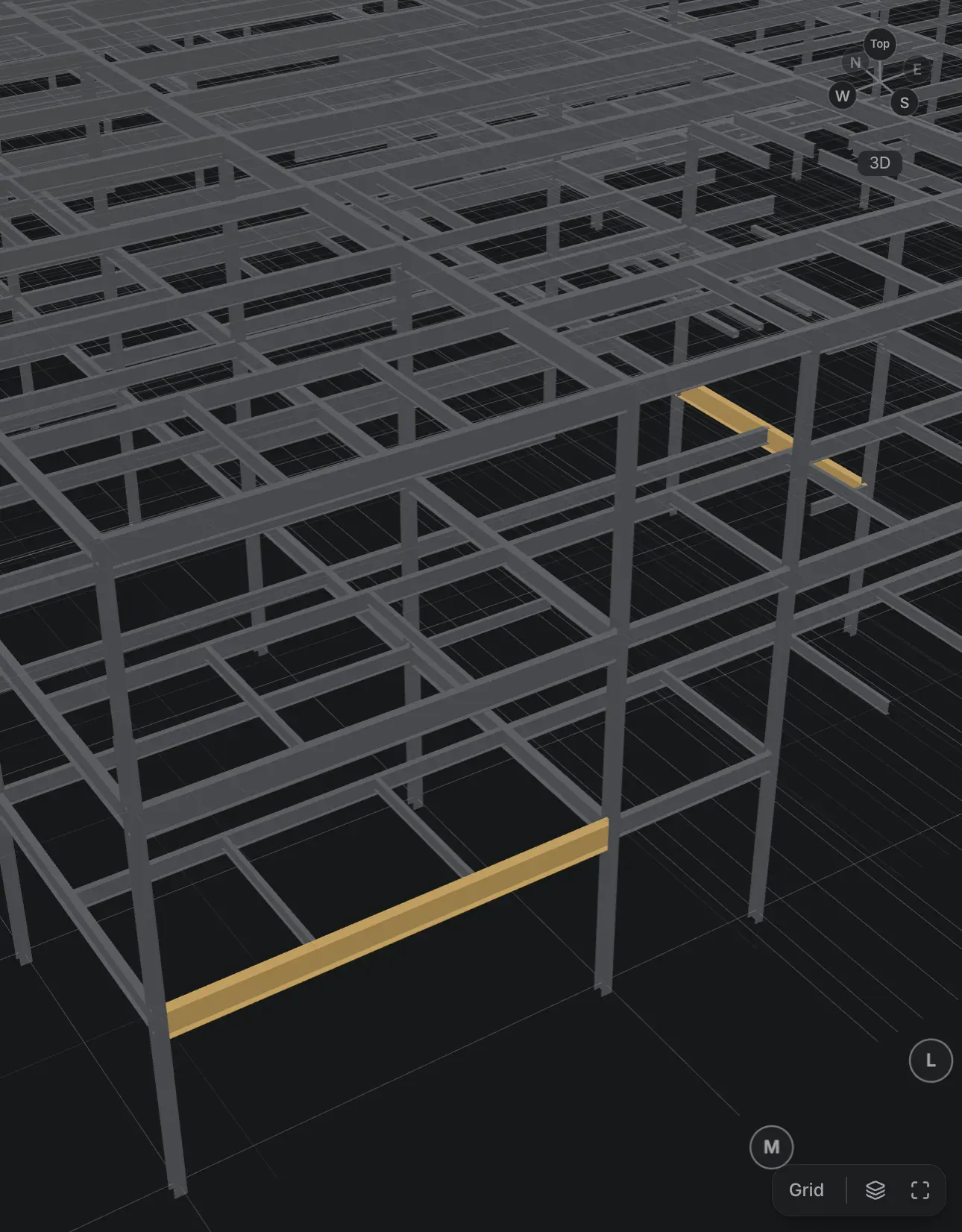
A steel estimator starts a bid with a PDF drawing set and a lot of counting. Every beam, column, and brace has to be found on the plans, matched to its size and length, and added up into tonnage before anyone can put a price on it. The drawings already hold all of that information; they just hold it as lines and text on a page.
From Drawings to Model in a Second
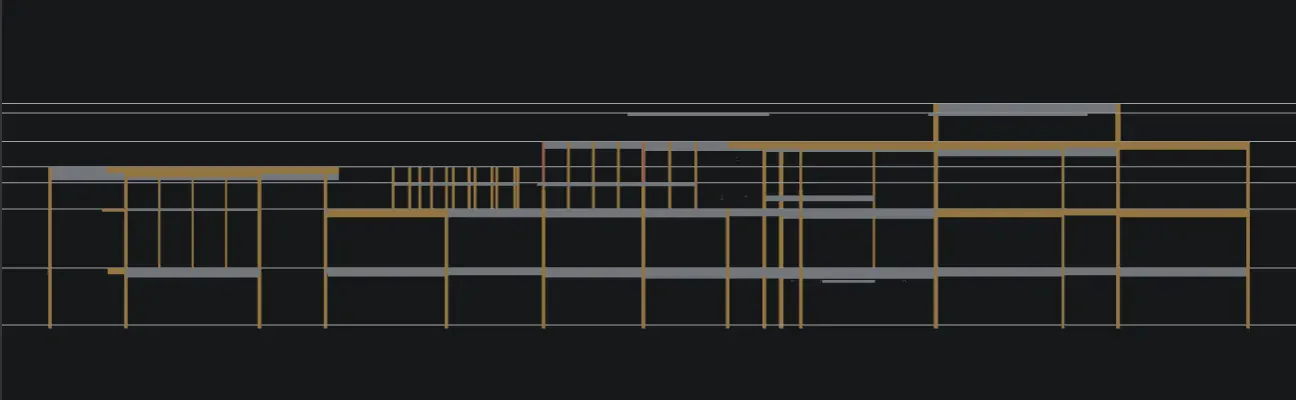
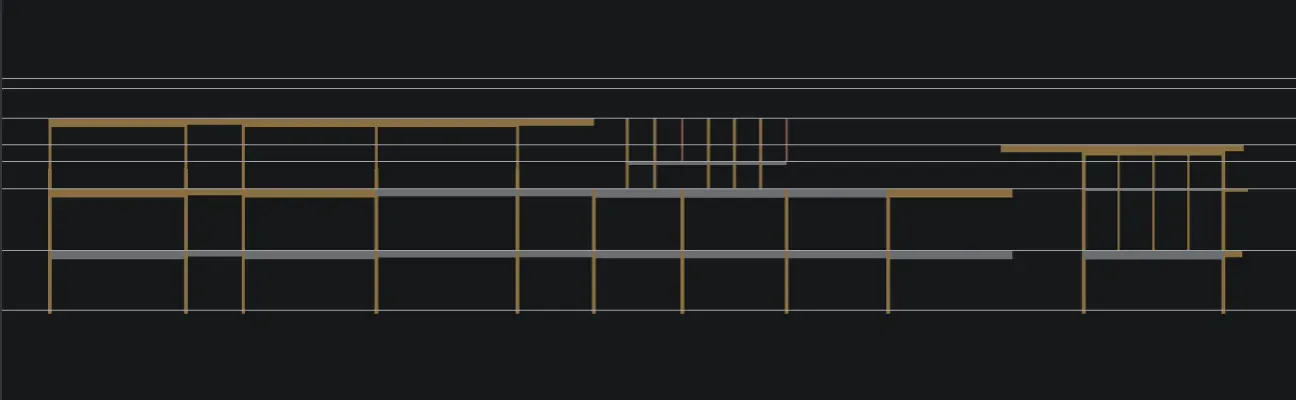
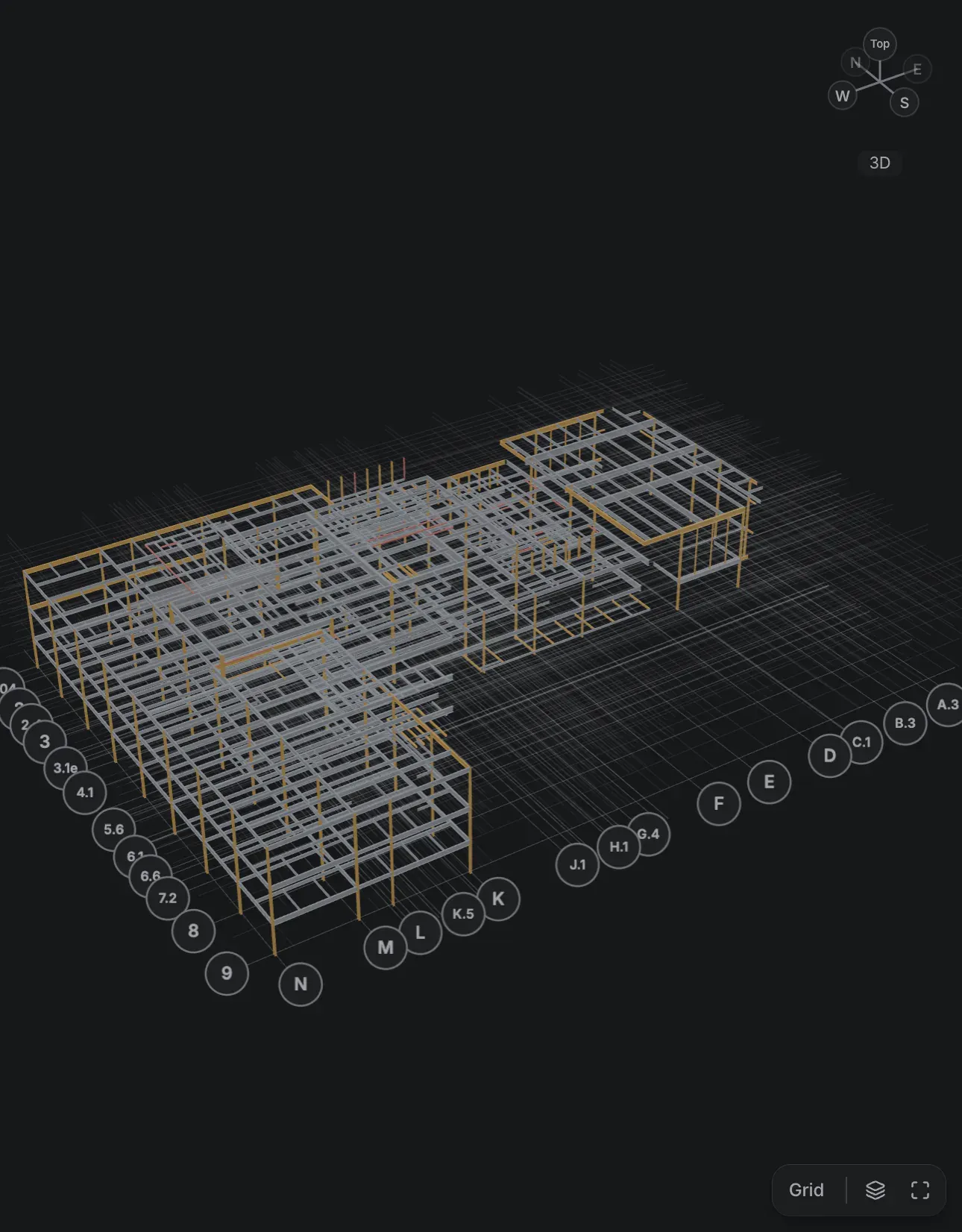
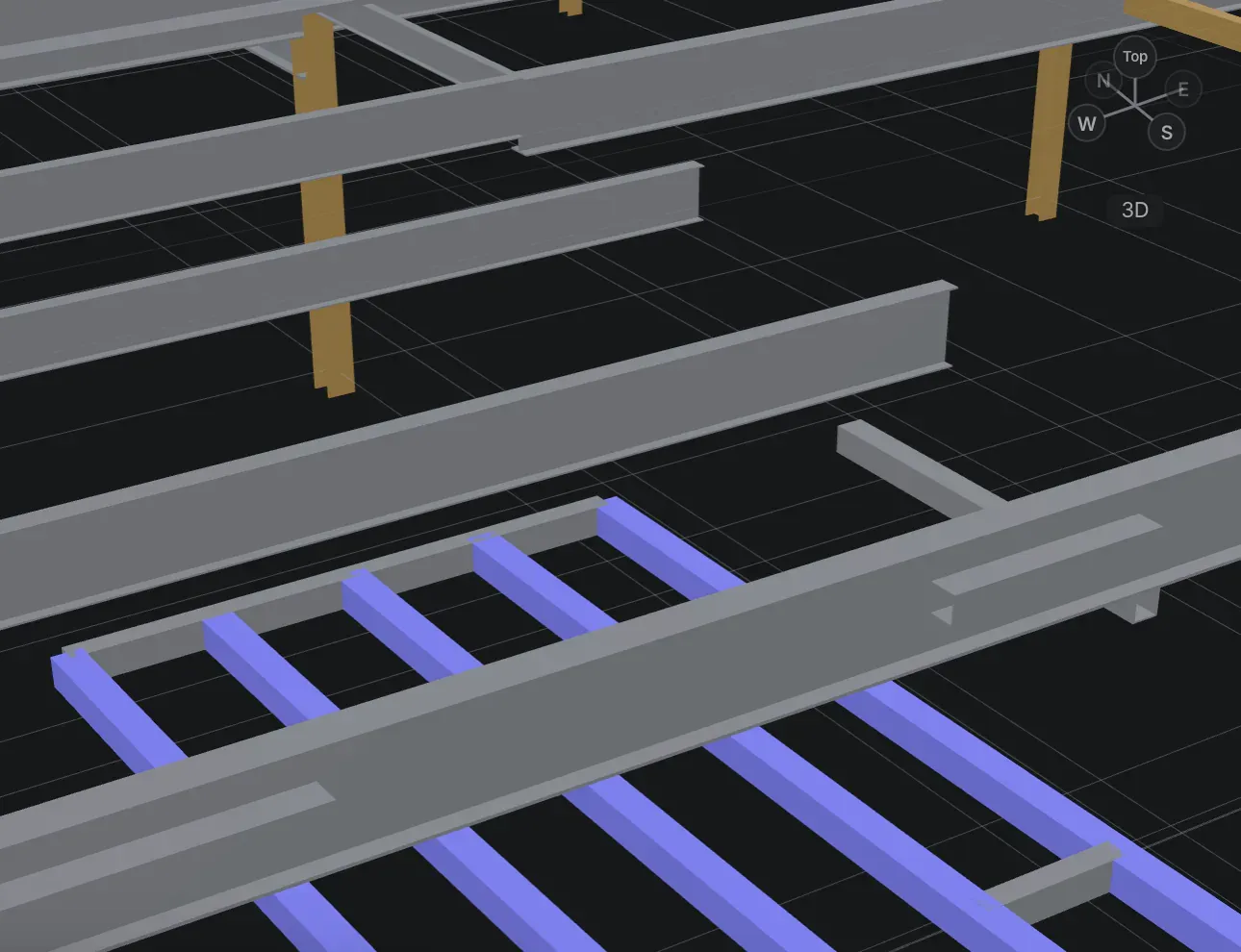
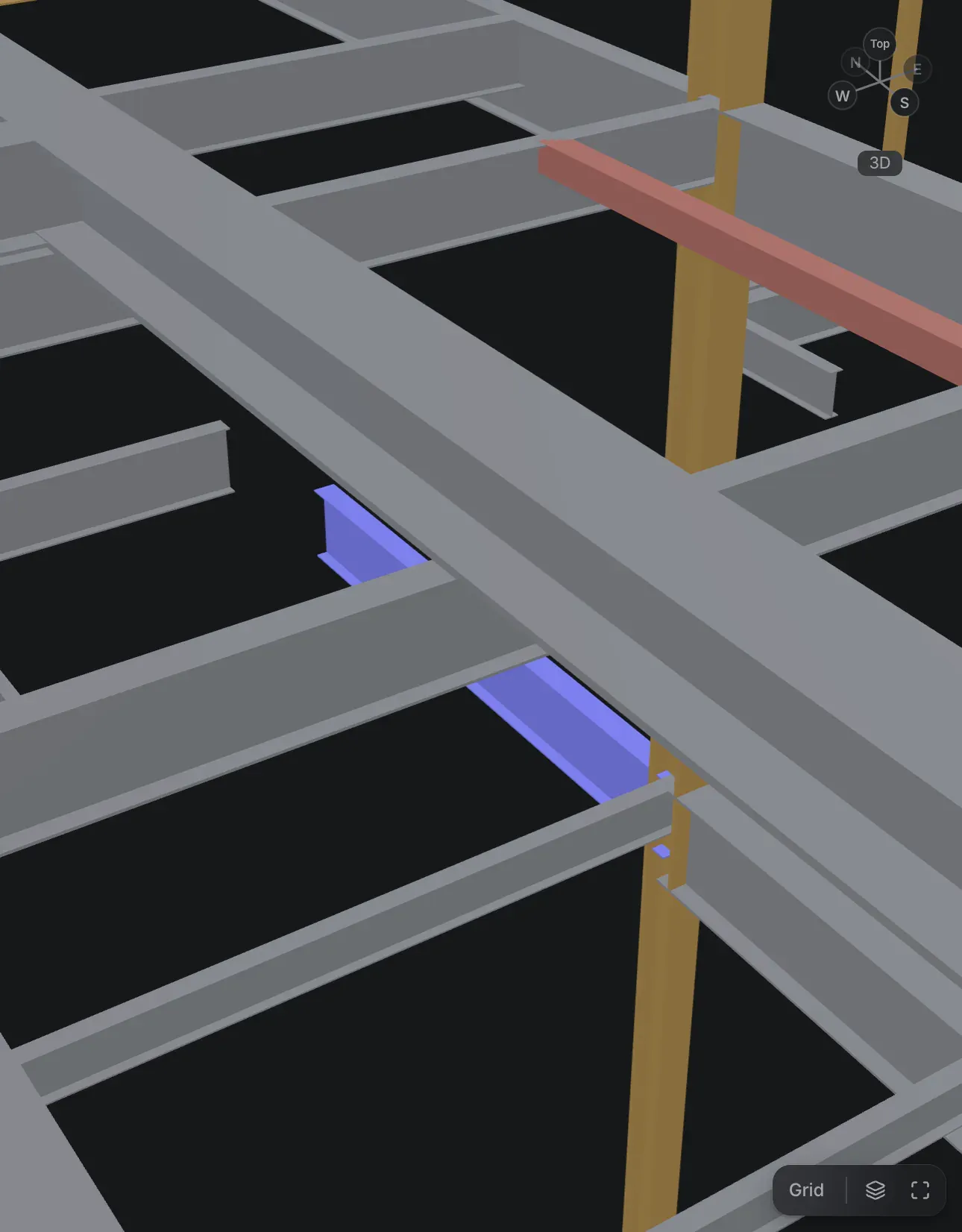
Drawings → Steel reads the drawing set and builds the model. It finds the structural grid, recognizes members, and reads their callouts, then places each member in a grid-aligned 3D steel model ready to bid. On a full set, that takes about a second.
How It Works
Recognition is rule-based computer vision, with OCR that runs on the device; there is no cloud step. Because the rules are explicit rather than learned, a result can be checked: the sheet stays linked to the model, so each member can be compared against the marks that produced it.
The core is written in Rust. It runs natively in a Tauri desktop app and in the browser through WebAssembly—the same engine in both.
The Review Loop
Automation gets an estimator most of the way there. The workspace is built for the rest.
- In sync. The drawing sheet, the 3D model, and the member inspector stay linked: select a member in one, and it is selected in the others.
- Open issues. Anything the reader was unsure about is listed for review, each with a suggested fix.
- Missed members. Draw a member the reader did not find, directly on the model.
- Revisions. Compare two revisions of a drawing set and see what changed.
What Comes Out
From the reviewed model, it produces a tonnage takeoff and pricing, then exports:
- an IFC model,
- an Excel takeoff,
- a PDF bid summary,
- a marked-up PDF of the drawings,
- a fabrication bill of materials.
Status
Unreleased. It is still in development and not yet available.